


 Skip to content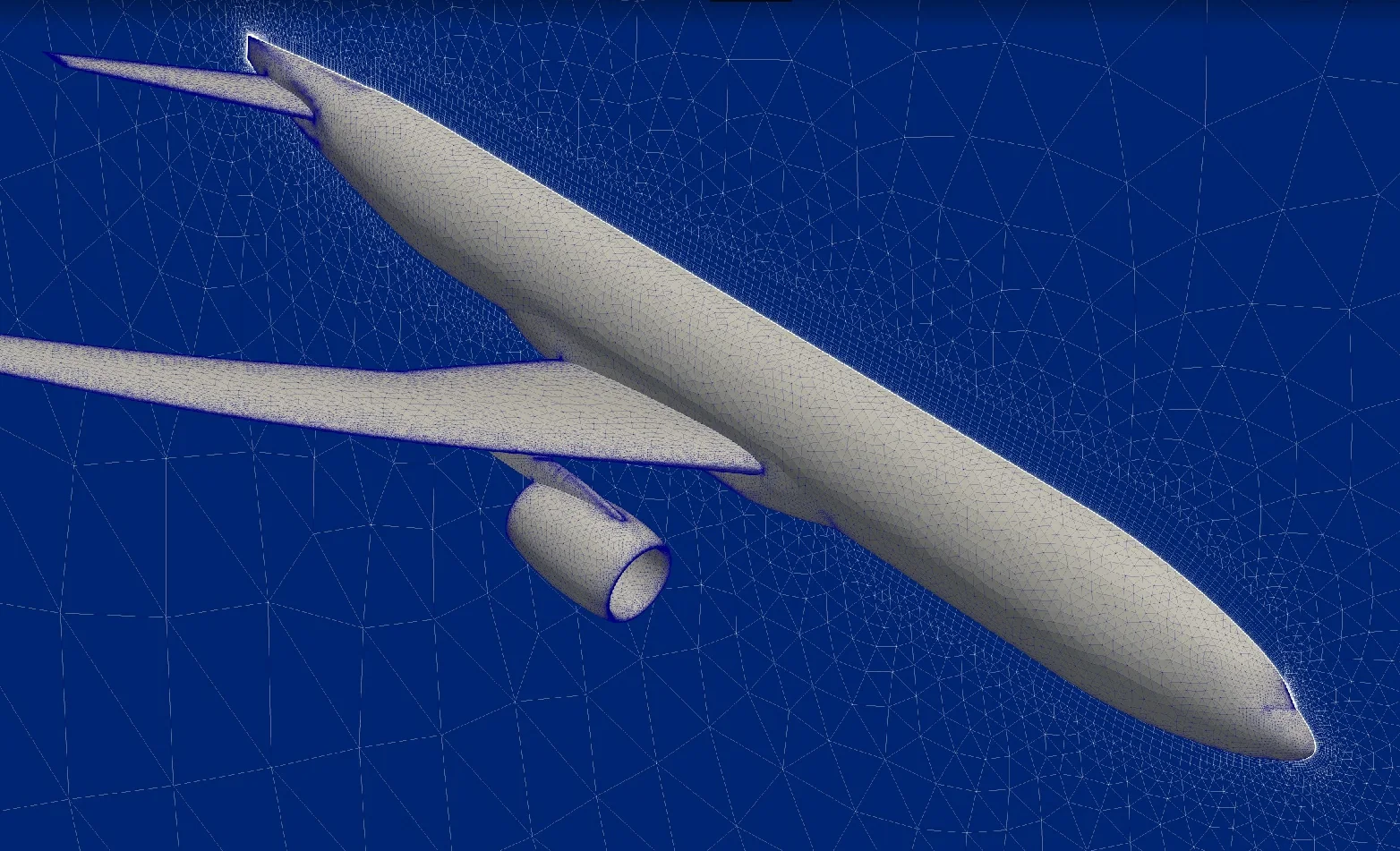
Ennova was founded in 2007 by Michael Hohmeyer, who has a long track record developing CFD mesh generators, and it stays focused on meshing and geometry preparation.
EnnovaCFD does not include its own solver: it builds the meshes and exports them to other codes' formats, such as CGNS and CFD++. The engineering team chooses the solver.
With EnnovaCFD, CFD++ and Tecplot 360, ATS sets up the workflow from CAD to decision: meshing, solving and post-processing with integrated tools and support from a single team.
The topology layer between CAD and mesh lets you merge and split edges and faces, assign intervals, define structured faces and swept volumes, and run Booleans between parts from different CAD systems.
EnnovaCFD, from Ennova Technologies, combines geometry cleanup, mesh generation, and pre- and post-processing for CFD solvers such as CFD++. Its meshing technology runs on a client-server architecture that can be deployed on a desktop, Linux servers or the cloud.
Reads leading proprietary and neutral formats through HOOPS Exchange; a topology layer makes assemblies watertight with automatic rules, without changing the original geometry coordinates.
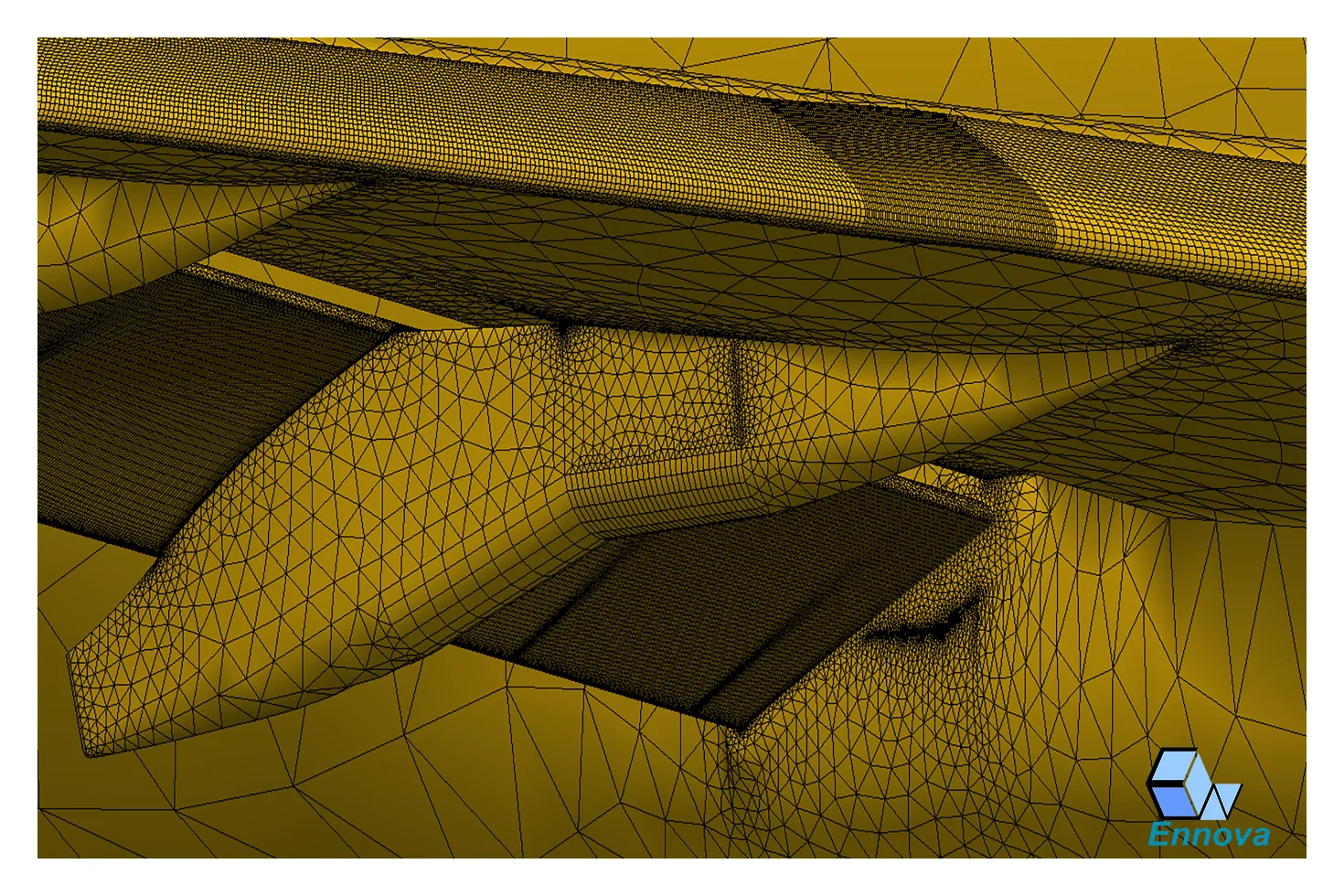
Curvature-aligned anisotropic surface meshes, prism layers, transition to tetrahedra, and embedded C- and O-grids in viscous regions.
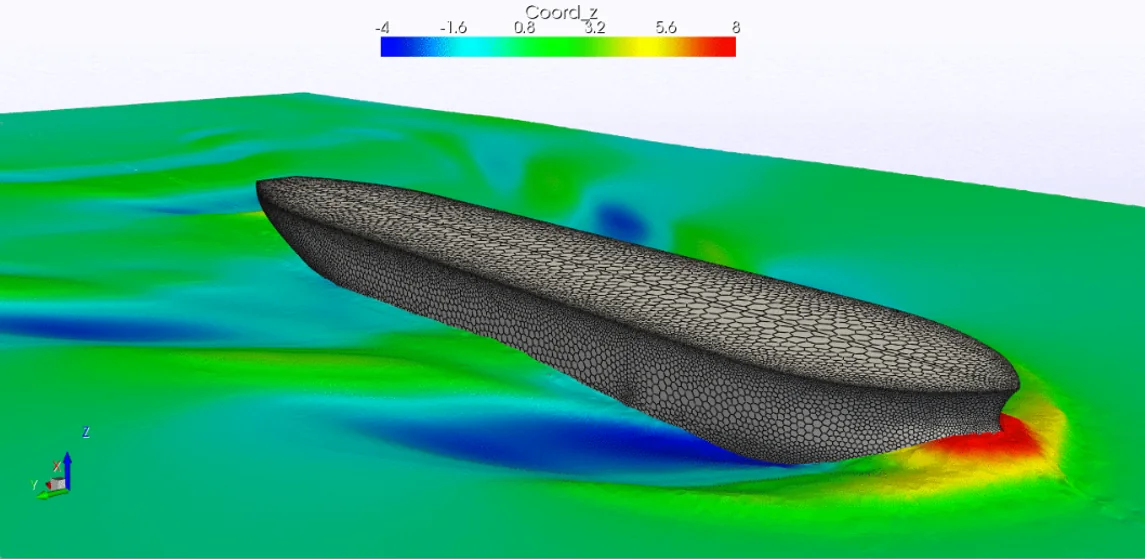
Cartesian octree, shrink-wrap cut-cell meshing, tetrahedral and polyhedral (Dualizer) meshes and variational smoothing in one environment.
Meshes exported in CFD++ format and in CGNS, ready to solve, with the boundary regions defined during geometry preparation.
Geometry repair and meshing run in parallel on the server, using the same compute resources as the solver.
Result visualization based on VTK, the same technology as ParaView.
Select an image to see each example.
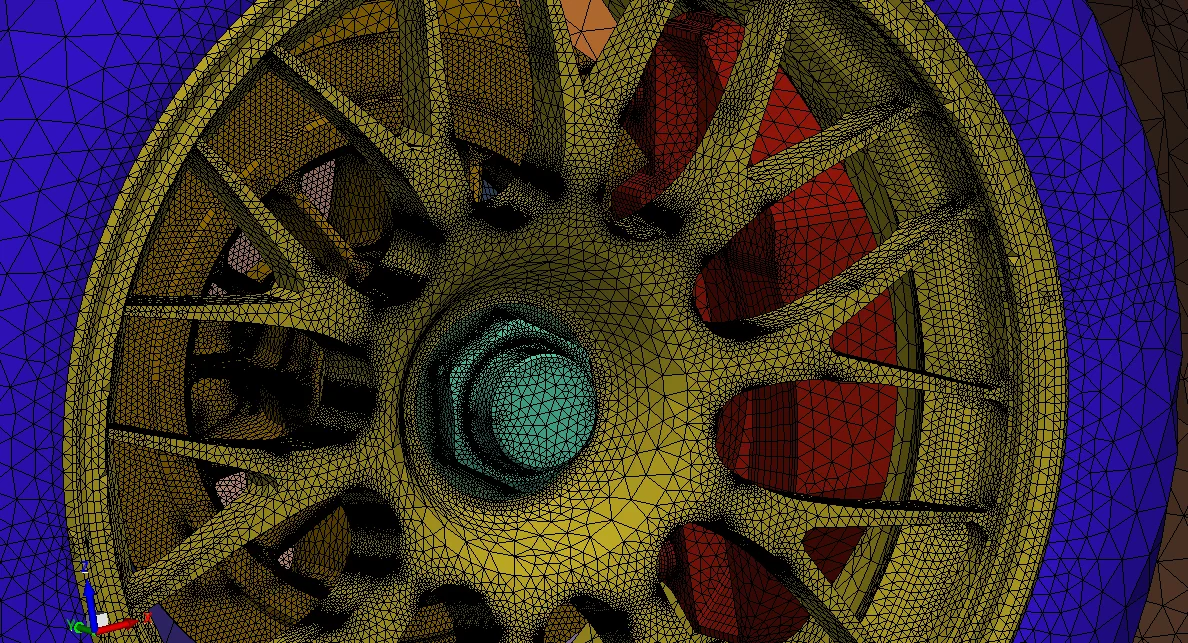
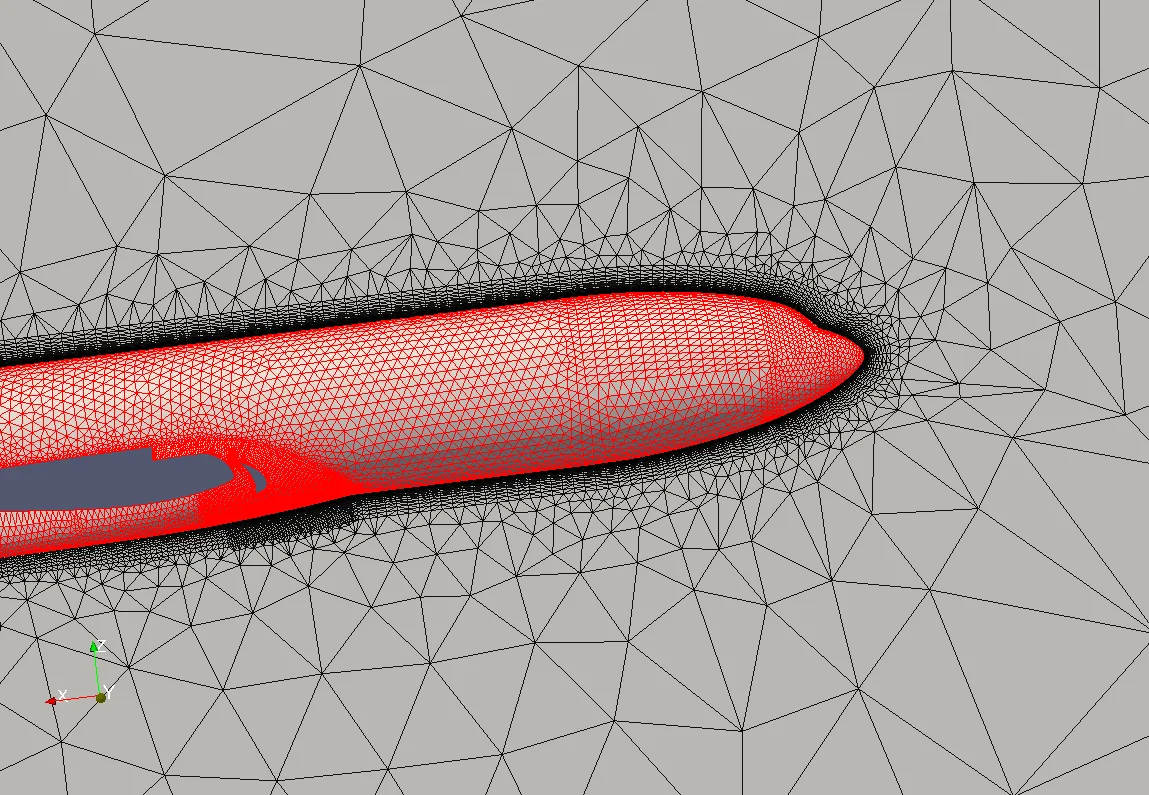
Wheel and brake mesh for cooling and drag.
Surface mesh of a wheel and brake assembly, transitioning to the volume mesh.
Evaluation licenseTry EnnovaCFD on your own case before buying, with an ATS engineer alongside.
Courses taught by engineers who use EnnovaCFD on real aerospace, mining, oil and gas and industry projects.
Local technical support and help setting up and validating your first project.
Yes. EnnovaCFD runs on Windows and Linux. In the client-server architecture, the server can be the desktop itself, an in-house Linux server or a cloud service.
HOOPS Exchange import reads the main proprietary formats, such as CATIA V4/V5/V6, NX, Creo, SolidWorks, Inventor and Parasolid, and neutral standards such as STEP, IGES, ACIS and JT, as well as STL.
ATS provides an evaluation license on request. The best test uses real geometry from your project: ATS supports geometry preparation, the first mesh and the case setup in your solver.
Yes. ATS uses the Ennova mesh generator on CFD projects and offers training and technical support in Portuguese. For licensing, ATS presents the available options based on your use.
Tell us about your case. An ATS engineer will get in touch to show EnnovaCFD running on a problem similar to yours.