


 Skip to content
 Services › Optimization
by iChrome
Process integration and design optimization across CAD and CAE tools.
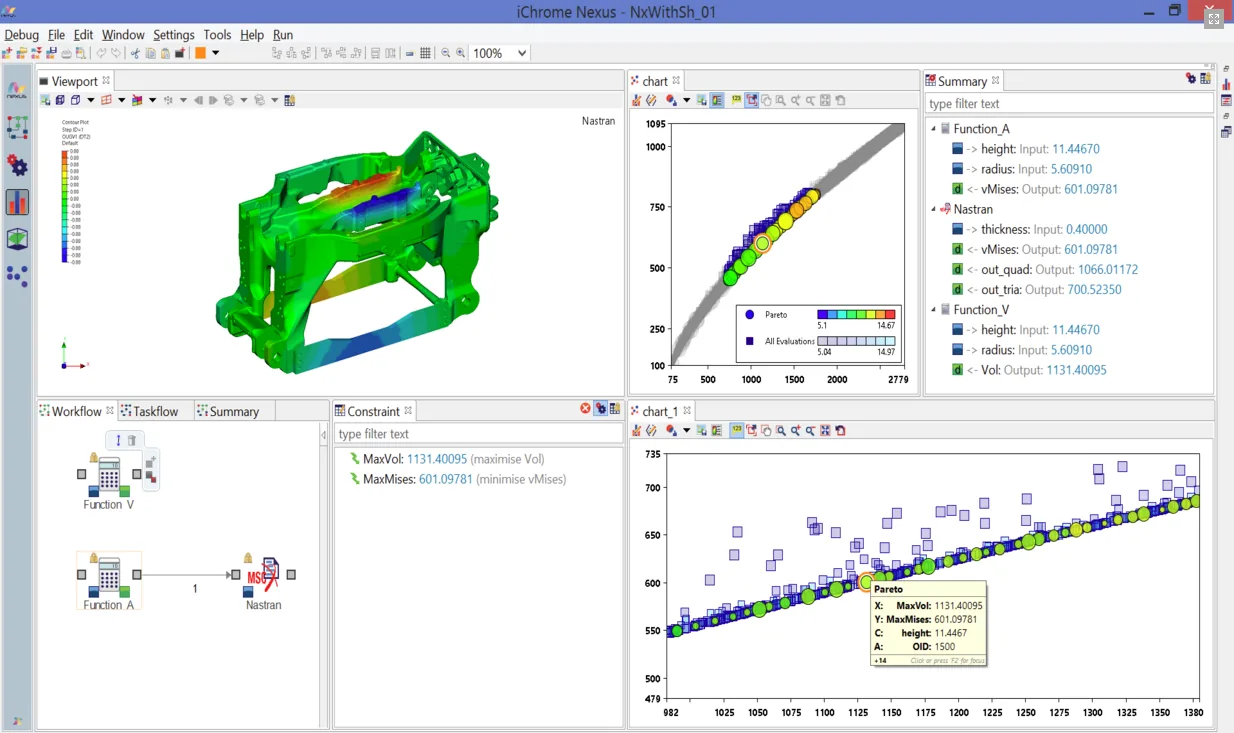
Before being a software house, iChrome is an engineering consultancy that uses Nexus on projects. Support comes from people who apply optimization to industrial cases.
iChrome's Shaper technology provides CAE model integration and viewing and acts as the mesh morpher in shape optimizations with finite element solvers.
An SSH node sends heavy analyses to remote servers and clusters, while the distributed scheduler manages resources. The license places no limit on the number of executors.
The Nexus floating license is valid across the whole country of purchase, with global licenses available on request, and covers all iChrome products.
Nexus, from iChrome, is a process integration and design optimization platform. It connects CAD and CAE tools in graphical flowcharts and runs single- and multi-objective optimization, design of experiments (DOE) and response surfaces, with real-time results management.
Direct nodes for Abaqus, Nastran, OptiStruct, RADIOSS, CATIA V5, SolidWorks and others; Excel, MATLAB, Scilab, Python and Java, plus other tools through scripting nodes.
More than 20 single- and multi-objective algorithms, such as simplex, genetic algorithms and gradient-based methods, with Pareto front identification.
Design of experiments and response surfaces such as neural networks, K-Nearest, RBF and Kriging, used inside Nexus or exported for external use.
A distributed scheduler controls hardware and software resources on the fly; results go into tables as soon as they are computed and can be plotted with the QuickPlot Wizard.
Filters, parallel coordinates and scatter plots for data mining and informed selection among solutions.
Floating token-based license with access to all tools; the number of tokens used depends on the modules in the flowchart.
Select an image to see each example.
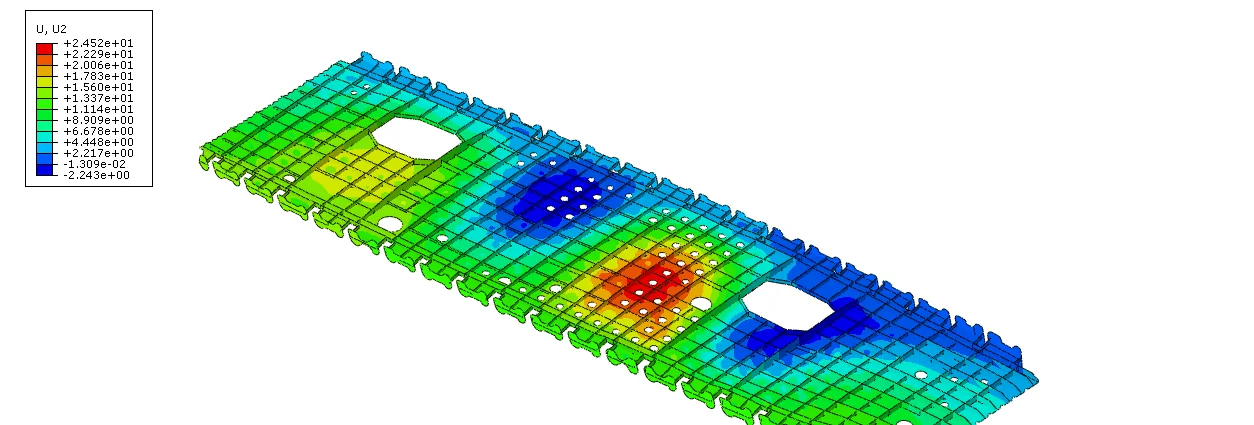
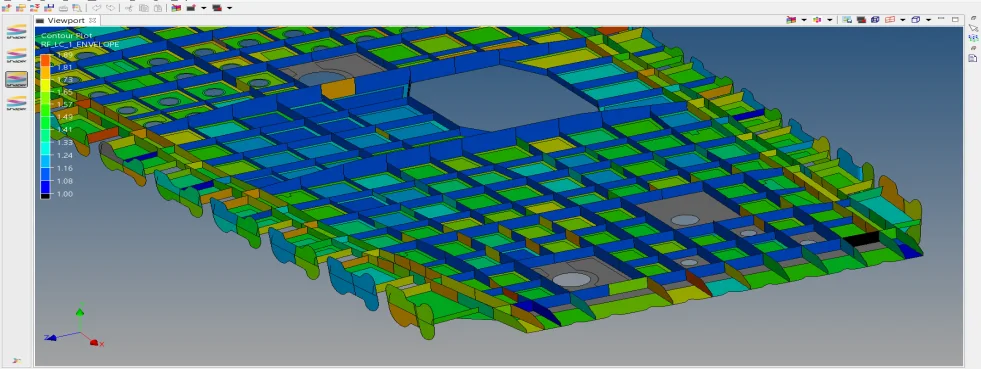
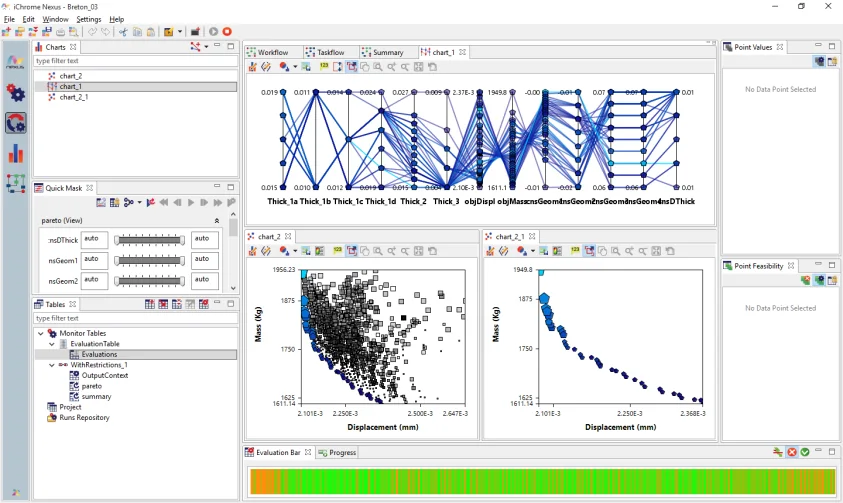
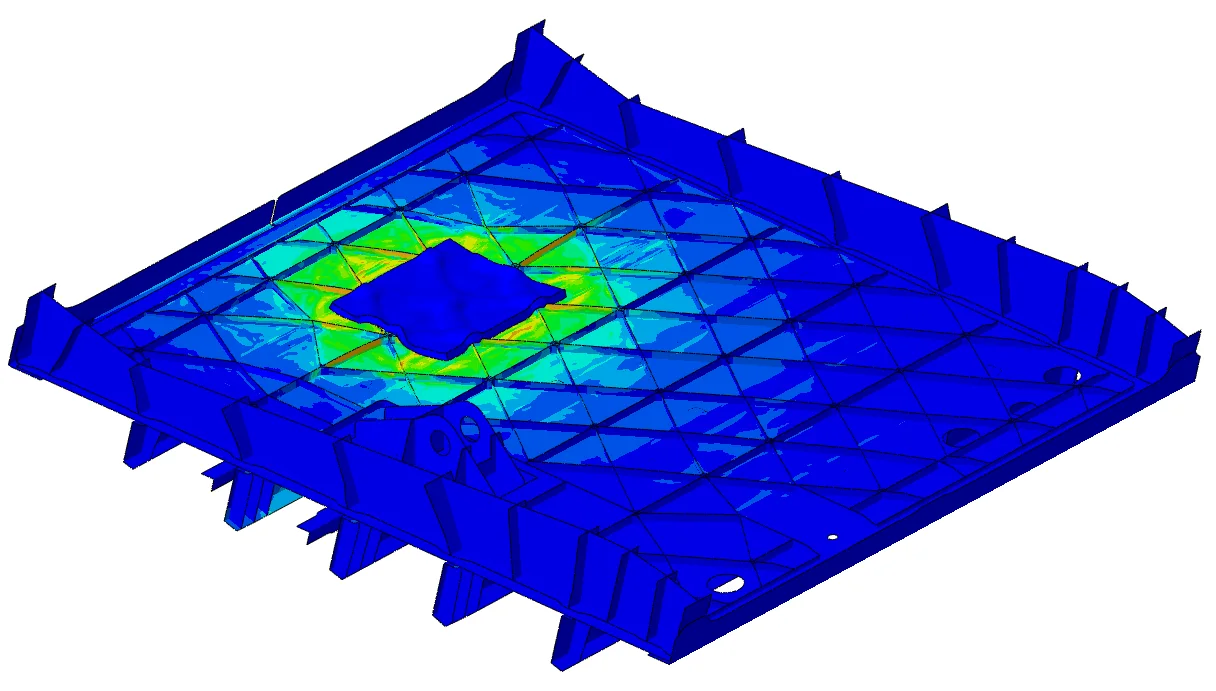
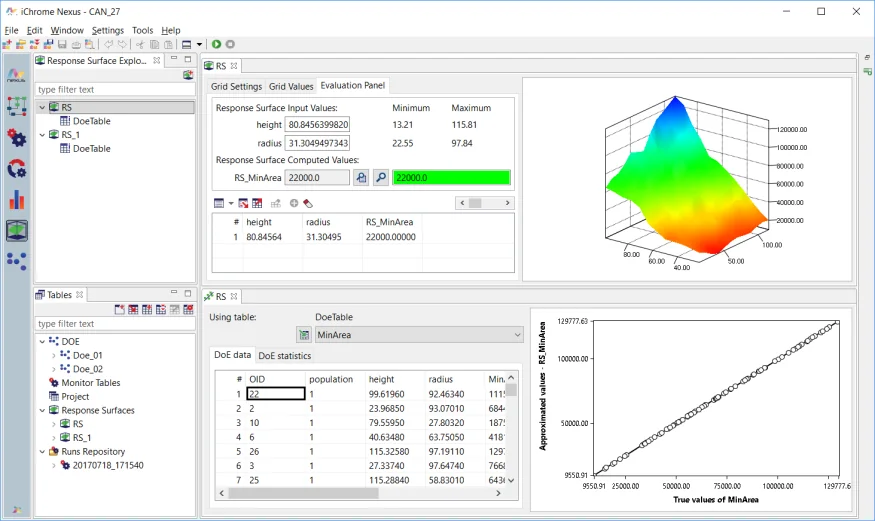
Mass reduction of a stiffened rib under a displacement limit.
Displacements on a stiffened wing rib in a nonlinear structural optimization.
Evaluation licenseTry Nexus on your own case before buying, with an ATS engineer alongside.
Courses taught by engineers who use Nexus on real aerospace, mining, oil and gas and industry projects.
Local technical support and help setting up and validating your first project.
Every license gives access to all features. The number of concurrent users depends on the tokens purchased, and each flowchart locks tokens according to the libraries it runs. According to iChrome, typical industrial flowcharts with CAD/CAE integration use 5 to 8 tokens.
Most pre- and post-processing tasks do not lock tokens. Flowchart items that are not submitted for execution do not load libraries and therefore consume no tokens.
Yes. The SSH node submits heavy analyses to remote servers, and the distributed scheduler controls hardware and software resources during execution. The number of executors is unlimited.
The flowchart is rebuilt in Nexus with the integration nodes for the tools you already use. ATS helps build the first flowcharts and check the results against your current process.
Yes. ATS provides an evaluation license on request and offers training and technical support in Portuguese, with help building the first CAD, CFD and FEA flowcharts.
Tell us about your case. An ATS engineer will get in touch to show Nexus running on a problem similar to yours.